Geometry Arrow 3D
Recommend For You








.png "Geometry Dash Subzero 3D")






































































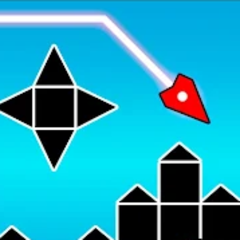
Geometry Arrow 3D is a high-speed tunnel dash that tests your reflexes with neon obstacles. Tap, dodge, and survive the chaos to prove your skill.
What's special about Geometry Arrow 3D's gameplay?
Main objective in each level
In Geometry Arrow 3D, you control an arrow that automatically moves forward through obstacle-filled tunnels, similar to Geometry Dash Breeze 3D. The sole objective is to avoid collisions and guide the arrow safely to the finish line. Even a small mistake will cause the arrow to shatter, forcing you to restart the level.
Challenging automatic movement mechanism
The arrow in the game moves continuously at a speed that increases with each level. This forces you to react quickly, memorize the level layout, and time your movements precisely.
Basic controls
Geometry Arrow 3D features extremely simple controls:
- Left mouse button
- Spacebar
- Touch screen (touch devices)
Despite the simple controls, the fast pace and dense obstacles make the game challenging. Players need to stay calm, maintain high concentration, and practice continuously to overcome difficult levels.
Multiple levels with increasing difficulty
You need to unlock each level to play the next one. There are 15 different levels in total, with difficulty increasing with each level. You can easily identify which levels are easy and which are difficult through the number of stars displayed next to each level. They are usually categorized into three difficulty levels:
- Beginner levels have slow movement speeds and simple obstacles, ideal for getting used to the game mechanics.
- Intermediate levels increase speed and complexity, requiring faster reflexes and higher concentration.
- The final levels push you to your limits with high-speed gameplay and continuous sequences of obstacles, providing a true challenge for fans of fast-paced action games.